


 Signalling Design
Solid State Interlocking (SSI) Design Workstation for Testers


Certificate of Attendance
At the end of the course, the successful delegate will be able to:
- Access the DWS and navigate through the menu system
- Locate SSI source fi les for viewing or printing
- Download SSI object code to the simulator cubicle and set to work
- Use the Trackside and Signaller's screens to simulate input conditions and observe output conditions
- Use the Technician's Terminal emulation function to simulate input conditions and observe output conditions
- Apply procedures for confi guration control and data integrity
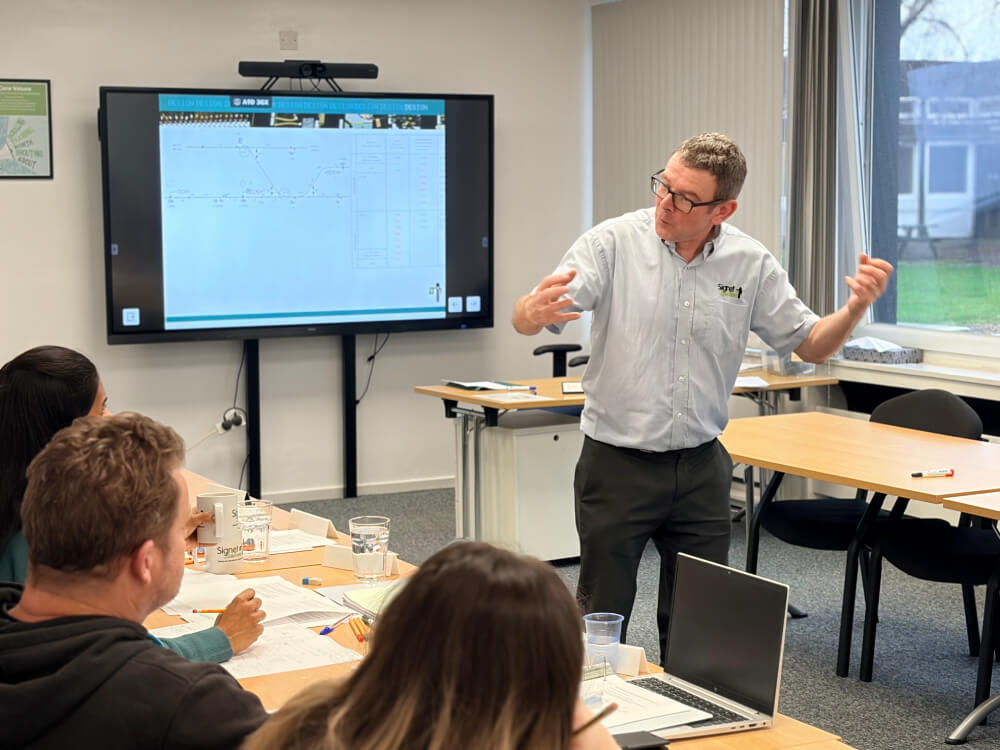
Who Should Attend This Course?
This course will enable a signalling works tester to access an SSI scheme on the Design Workstation (DWS) and set the scheme to work for principles testing.
Course Content and Learning Outcomes
At the end of the course, the successful delegate will be able to:
- Access the DWS and navigate through the menu system
- Locate SSI source fi les for viewing or printing
- Download SSI object code to the simulator cubicle and set to work
- Use the Trackside and Signaller's screens to simulate input conditions and observe output conditions
- Use the Technician's Terminal emulation function to simulate input conditions and observe output conditions
- Apply procedures for confi guration control and data integrity
Available Dates

Entry
Requirements
A well prepared delegate is expected to be able to interpret signalling plans, SSI source fi le content and SSI-specific control tables.
Continue Your Development


Derby / Your Premises
Signalling Design
Westpac Geographical Interlocking - Mk 111A - Design

10 Days

10

Certificate of Attendance
View Course Details

Derby / Your Premises
Signalling Design
Westpac Geographical Interlocking -Mk 111A - Appreciation
5 Days
10
Certificate of Attendance
View Course Details
Derby / Your Premises
Signalling Design
Track Circuit Bonding Design Course
5 Days
8
Certificate of Attendance
View Course Details
Course Page FAQs
What certification do I receive after completing the course?

How does this course support IRSE licensing preparation?
Is this course available as a dedicated group booking?
Not the course you are looking for?
